Android Utility Tool V190.00.0000 (09-09-2025) – Free Download [Latest Update]
Android Utility Tool Pro new version V190.00.0000 has been released (09 September 2025). This update is important for users running older versions who are receiving a forced update notification. The tool is completely free — no login or smart card/dongle is required.
✨ Key Highlights
- ✅ Version: Android Utility Tool V190.00.0000
- 🔒 Free Access: Lifetime free, no login/dongle
- 🚀 Improvements: Stability fixes + bug patches
- 📱 New Support: Unisoc T820 chipset and many devices
- 📌 Developer: Mofadal Mohammed
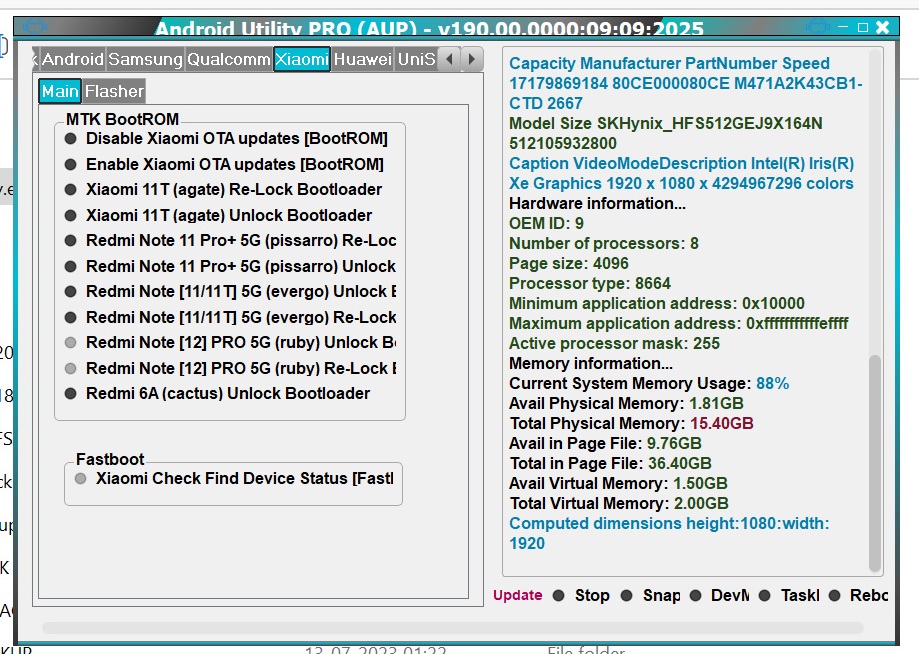
📸 Screenshots

⚡ Installation Guide
- Extract the downloaded zip file (to Desktop or C: Drive).
- Open the folder and run AndroidUtility.exe.
- If a smart card error appears, simply ignore it — the tool works without a dongle.
- Connect your device and select the required operation (FRP, Boot Repair, Flashing).
- Done ✅ Your device is ready.
📥 Download Android Utility Tool V190
File Name: Android Utility Tool 190 (Fix Update Patch)
File Size: 186 MB | Password: mfdl
Free Download – Verified Source
📱 Supported Devices & Brands
- ✔ Motorola Moto G35 (XT2433 Series)
- ✔ ZTE Nubia Focus 5G / Neo 2 / Neo 3
- ✔ Lava Yuva 2 5G, OnePlus 13, Meizu Note 16 Pro
- ✔ Coolpad Grand View Y60 Lite
- ✔ Samsung A03 (A032F/M & A035F/M/G)
- ✔ Infinix, Tecno, Itel (UniSoC devices)
❓ FAQs – Android Utility Tool V190
Q1: Is this tool paid?
➡ No, it is completely free.
Q2: Do I need a dongle or login?
➡ No, lifetime access without dongle or login.
Q3: Does it work on all devices?
➡ It supports most MTK and UniSoC devices (see list above).
Q4: What if an error occurs?
➡ Follow the installation guide or reinstall the compatible driver.